
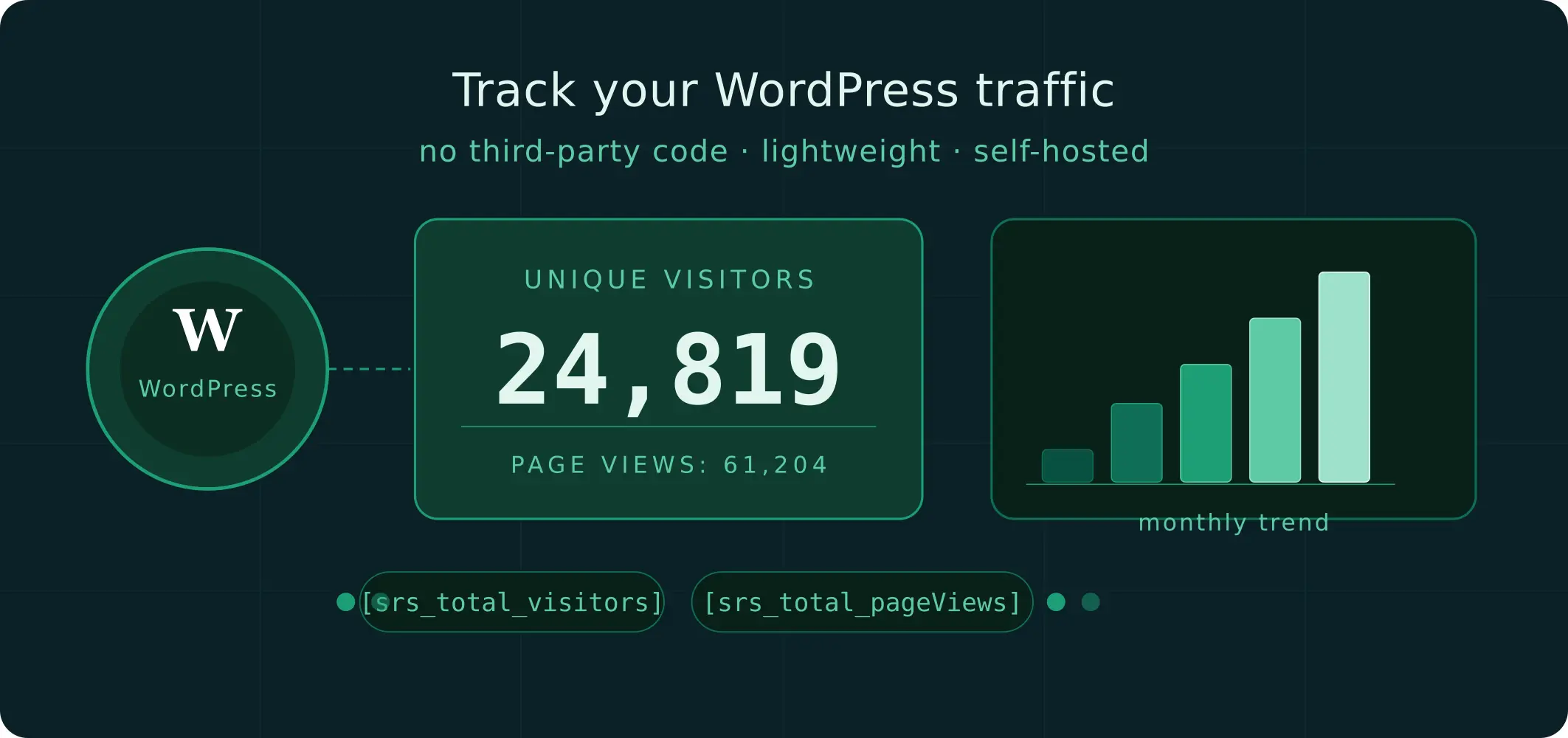
If you’ve ever wanted a no-fuss way to know how many people are visiting your WordPress site, you’ve probably run into the usual options — Google Analytics, Jetpack Stats, or other third-party tools that load external scripts, slow down your pages, and hand your visitor data off to someone else’s servers. What if you just want a simple counter, right on your site, with no strings attached?
That’s exactly what SRS Simple Hits Counter delivers.
What Is SRS Simple Hits Counter?
SRS Simple Hits Counter is a lightweight WordPress plugin developed by SandyRig that tracks two key metrics: unique visitors and page views.
It stores everything in your own database, uses no third-party code, and is designed to stay out of your way while quietly doing its job in the background.
With over 8,000 active installations and a rating of 4.2 out of 5 on the WordPress Plugin Directory, it has earned a quiet but loyal following among WordPress users who value simplicity over complexity.
Key Features
Bot filtering via AJAX The plugin uses an AJAX-based counting method, which means most bots and crawlers are automatically filtered out. The numbers you see reflect real human visits, not automated traffic inflating your stats.
Dual counter support You can display unique visitor counts, page view counts, or both – side by side if you like. This is done by placing two copies of the widget or shortcode anywhere on your site.
Weekly and monthly graphs in the admin Inside your WordPress dashboard, you get a visual overview of your traffic trends through weekly and monthly graphs, along with a popular content section added in the latest release.
Counter reset flexibility Need to start fresh or set a specific starting number? The plugin lets you reset the counter to any value at any time – useful when migrating a site or launching a redesign.
Always counting in the background Even if you remove the widget or shortcode from your site, the plugin keeps counting behind the scenes. Your data is always available in the admin dashboard whenever you need it.
How to Display the Counter
Once installed and activated, you have two ways to show the counter on your site:
Using a widget Go to Appearance → Widgets, find the SRS Simple Hits Counter widget, and drag it into any widget area — your sidebar, footer, or wherever makes sense for your layout.
Using shortcodes Drop either of these shortcodes into any post, page, or template:
- [srs_total_visitors] – displays the unique visitors count
- [srs_total_pageViews] – displays the page views count
Both shortcodes can be used together on the same page if you want to show both metrics at once.
Installation
Installing the plugin takes less than a minute:
- In your WordPress admin, go to Plugins → Add New.
- Search for SRS Simple Hits Counter.
- Click Install Now, then Activate.
- Add the widget to a widget area, or drop a shortcode into your content.
That’s it. No API keys, no account signups, no configuration required to get started.
Who Is It For?
SRS Simple Hits Counter is a great fit for:
- Bloggers and small site owners who want a basic traffic indicator without the overhead of a full analytics suite.
- Privacy-conscious publishers who prefer not to load Google Analytics or other external tracking scripts.
- Developers building client sites who need a simple, self-contained counter they can install and forget about.
It’s not meant to replace a full analytics platform — it won’t tell you where your visitors came from, which devices they used, or how long they stayed. But if your goal is simply to display a running count of visitors or page views, it does that job reliably and efficiently.
Focus on Performance
One of the plugin’s most cited strengths is how light it is. JavaScript files are loaded in the footer to avoid render-blocking, keeping your Google PageSpeed scores intact. There’s no external script to call, no third-party service to ping — just a clean, self-hosted counter that doesn’t add measurable weight to your pages.
Get the Plugin
SRS Simple Hits Counter is free and available directly from the WordPress Plugin Directory:
https://wordpress.org/plugins/srs-simple-hits-counter/
Current version: 2.1 — tested and compatible up to WordPress 6.7.5.